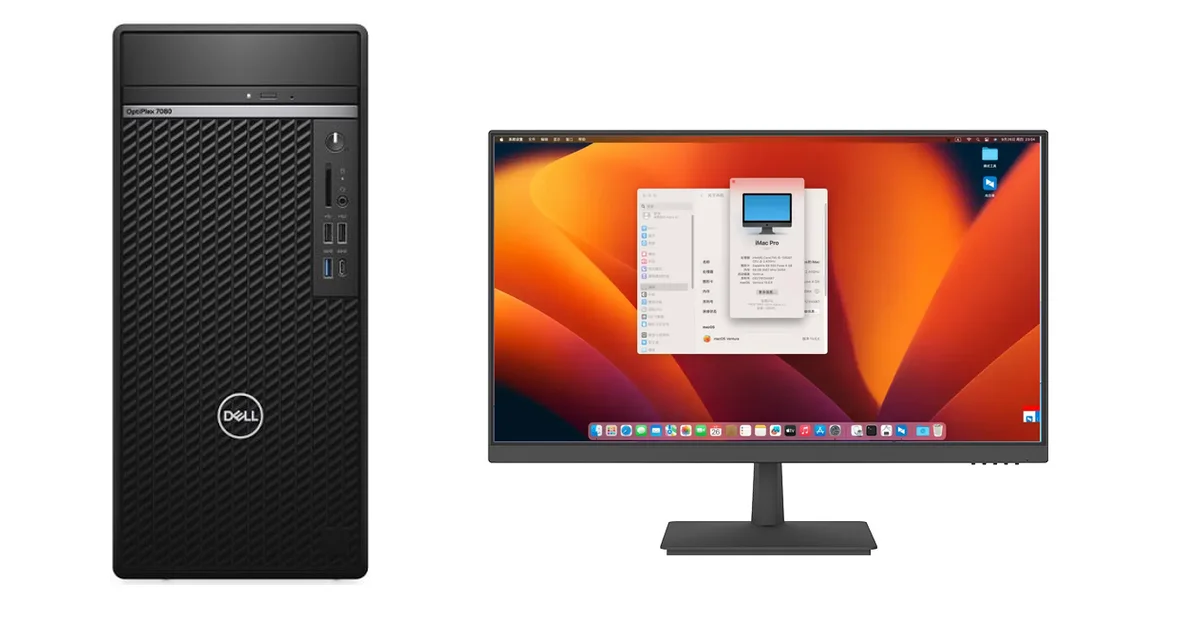
Dell · OptiPlex
Dell OptiPlex 7090
i5-10600T·
Verified








Download EFI from GitHub OpenCore 1.0.8·Updated 2026-10-01
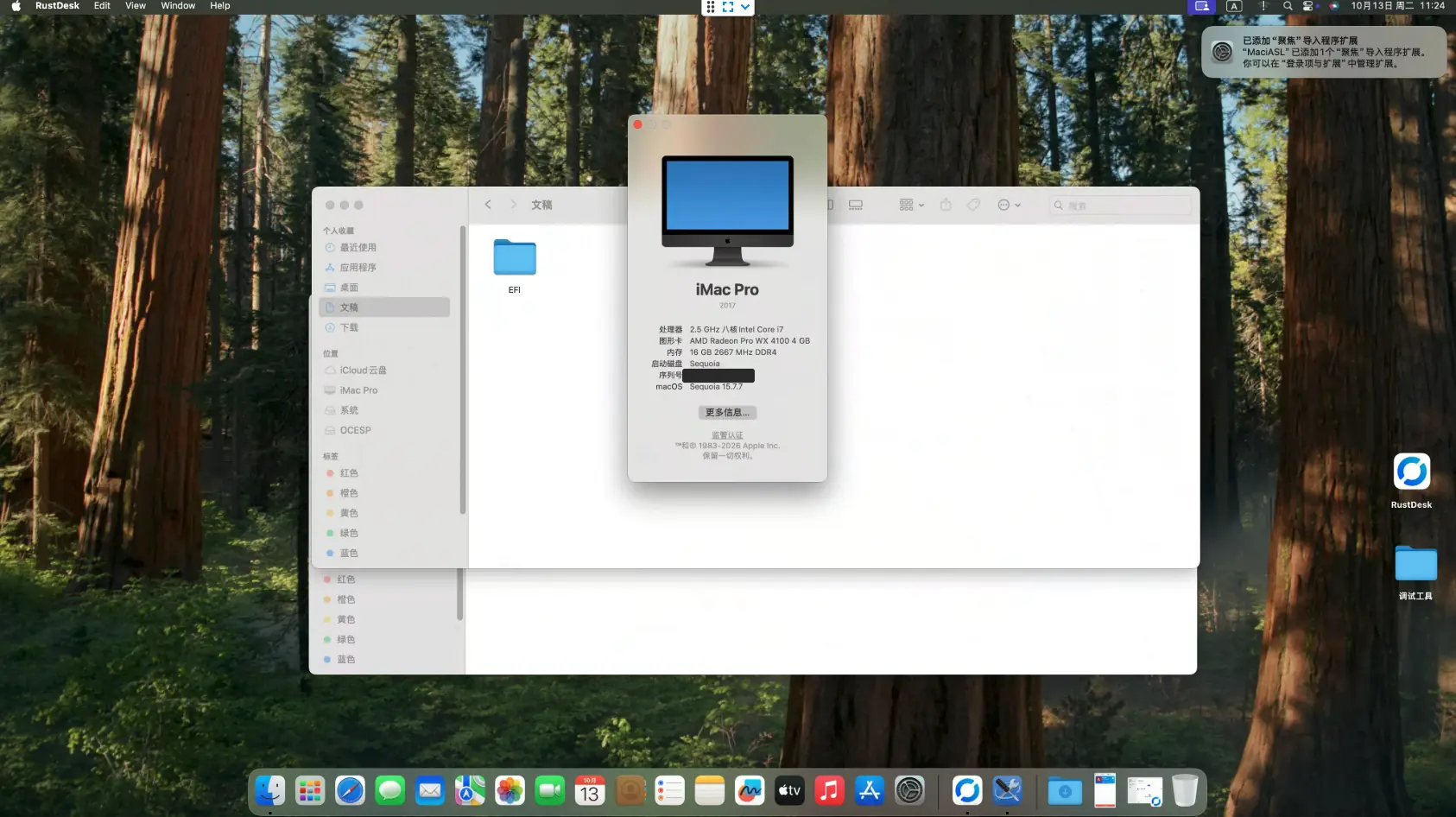
Installation Screenshots
2Hardware Specifications
- Model
- OptiPlex 7090
- CPU
- Intel Core i5-10600T (10th Gen)
- Motherboard
- OptiPlex 7090
- BIOS Version
- 1.12.0
- Memory
- 16 GB
- Storage
- WD Blue SN570 2TB SSD
- GPU
- RX640
- Audio Codec
- ALC256
- Ethernet
- Intel I219
- Wi-Fi & Bluetooth
- DW1560
What Works
- iGPU
- dGPU
- Audio
- USB (Type-C)
- Ethernet
- Bluetooth
- Wi-Fi
- Frequency scaling
- AirDrop
- Handoff
Installation Notes & Recommendations
Installed using an RX640 (requires spoofed ID); if using another native/OOB AMD dGPU, please use config-amddgpu.plist.
If Sonoma is required, it is recommended to switch to an Intel wireless card and use config-intel wifi14.plist.
This machine cannot be installed with the iGPU and requires a dGPU. Additionally, some units come with a 10th-Gen CPU while others have an 11th-Gen CPU. 10th-Gen builds may need config-10th.plist because 11th-Gen requires CPU spoofing (though spoofing on 10th-Gen might also work—test at your own discretion). There appears to be no wireless card by default; you can install an Intel Wi-Fi card, or use a Broadcom card (drivers exist, configure on your own).